Guide
An AI meeting-notes workflow that survives a real week
Most people install a note taker, love it for four days, and quietly stop reading the summaries. Here is the setup that does not decay, and the limits that decide it.
Updated · every price here is checked against the vendor's own page
Most AI note-taking setups fail the same way. Week one, the summaries are magic. Week three, you have ninety transcripts, no idea which one held the decision you need, and a nagging worry about the client who asked what the extra participant was.
This is the version that holds up. It takes about twenty minutes to set up.
1. Settle consent before you settle the tool
Every mainstream option except one sends a visible bot into the call. That is a feature, it makes recording obvious, but it also means someone will ask about it, and in some organisations it means a policy conversation.
Decide first which of these you are:
- Recording is fine, visibility is good. Any of
 Fathom,
  Fireflies,
  Otter work.
 - No third party may join client calls.
 Granola is effectively the only answer: it listens locally, joins nothing, and keeps no recording. The price is that there is no playback, ever.
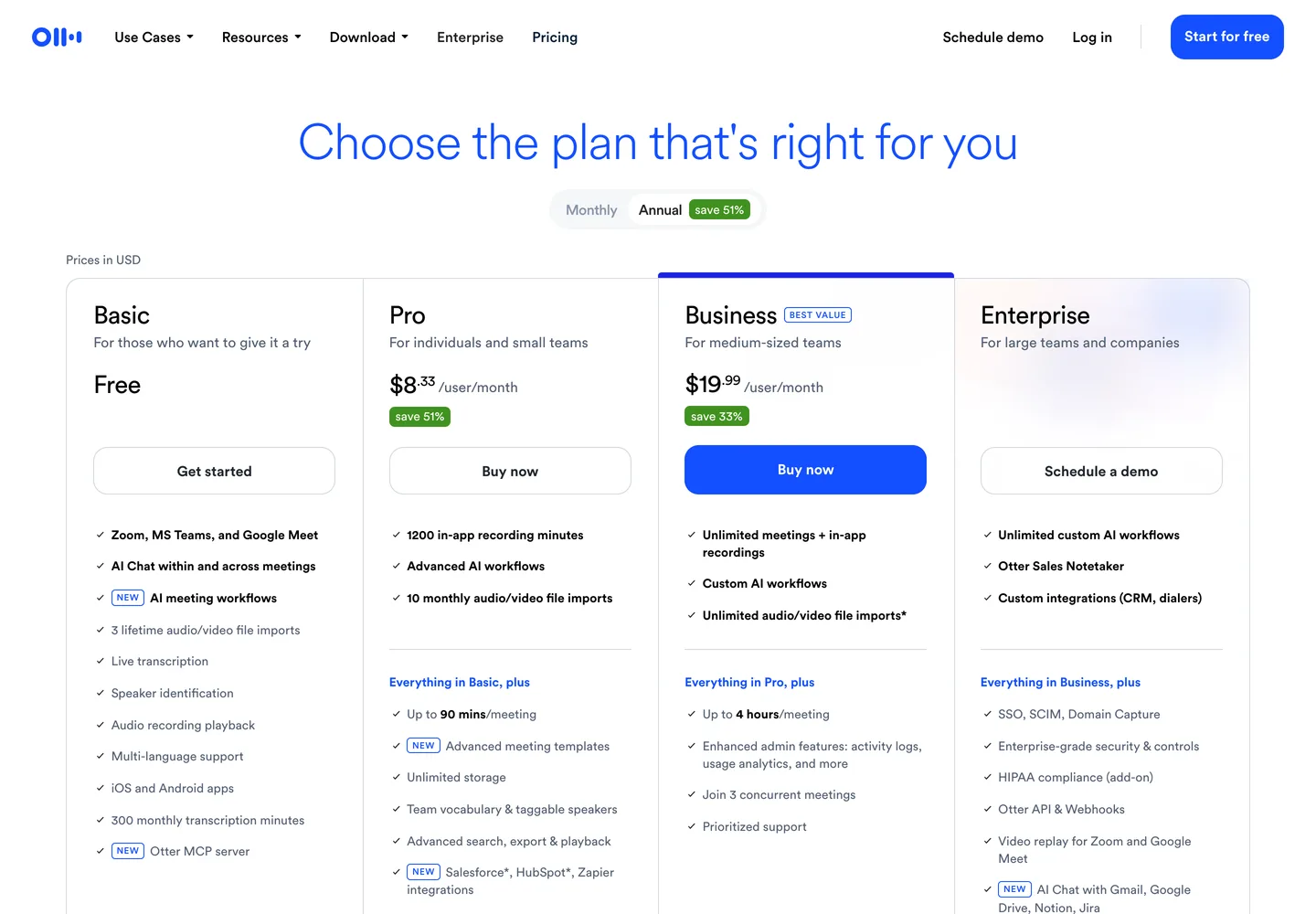
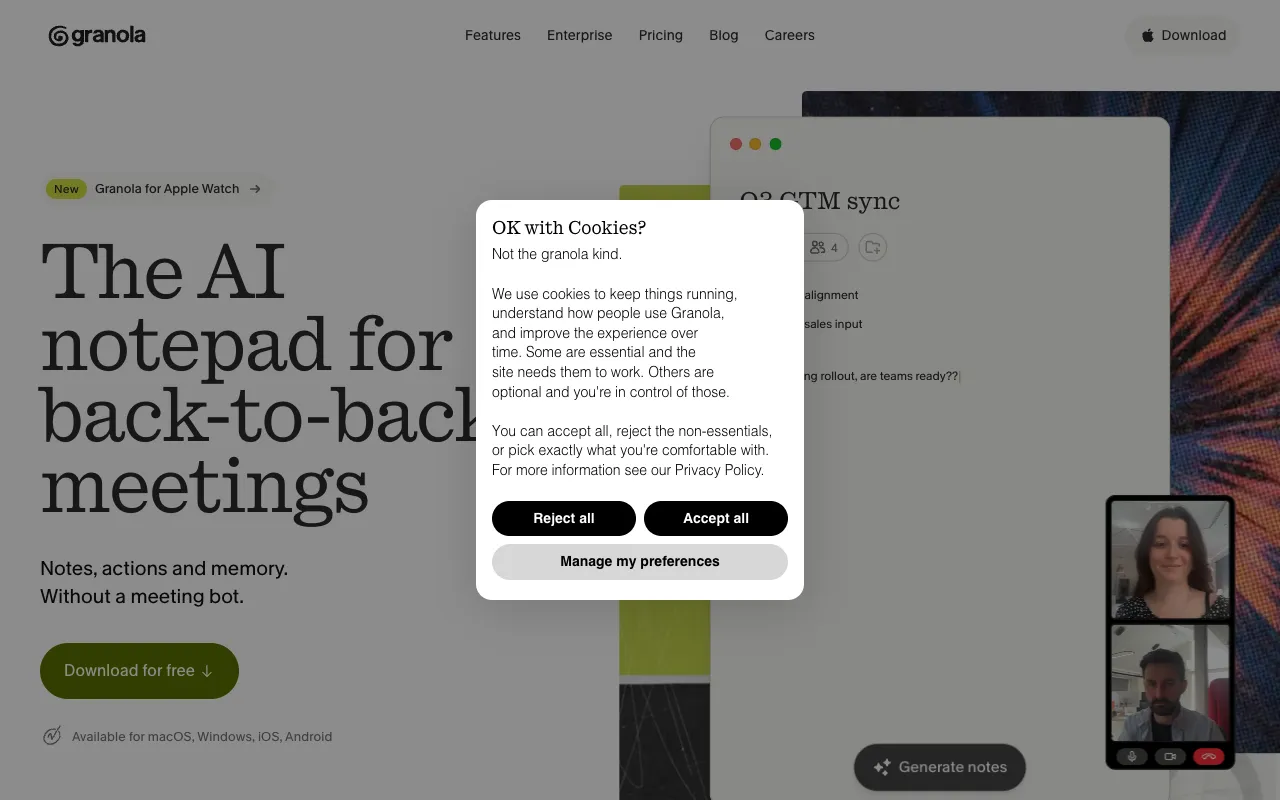
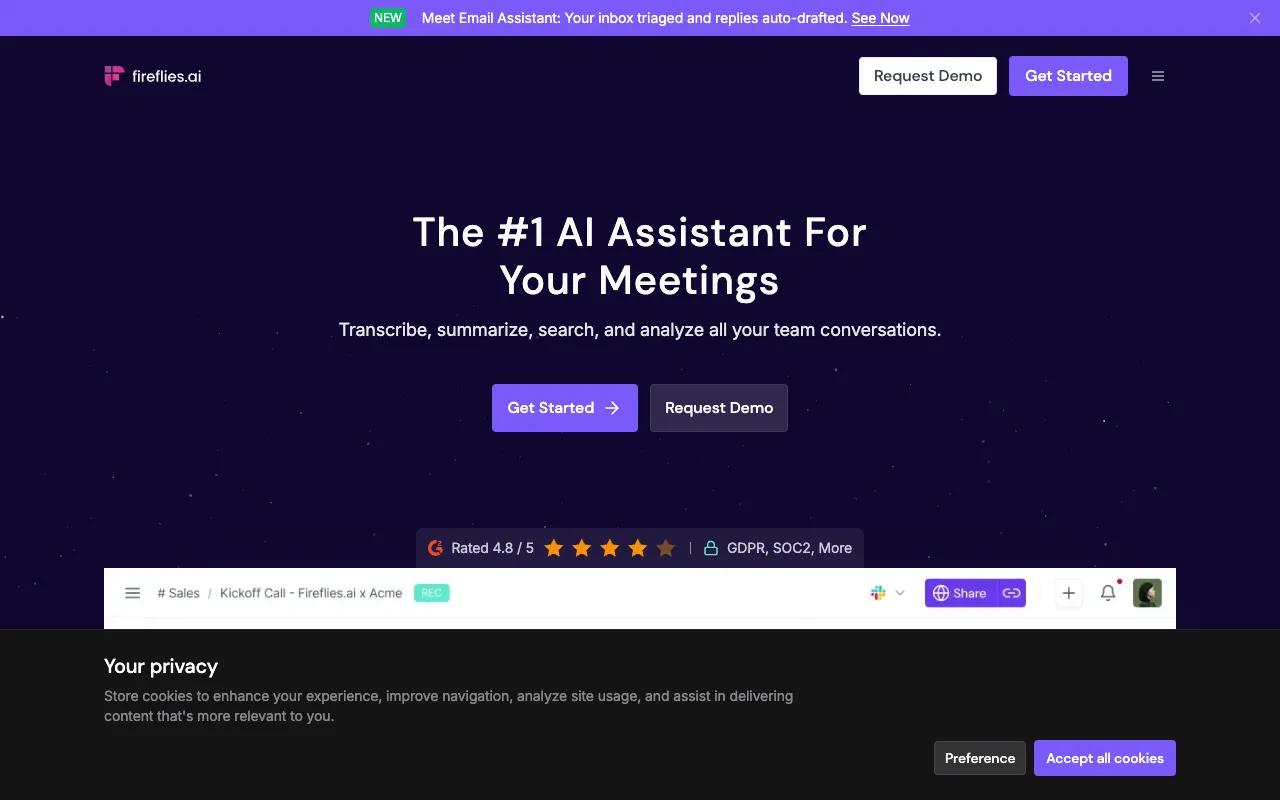
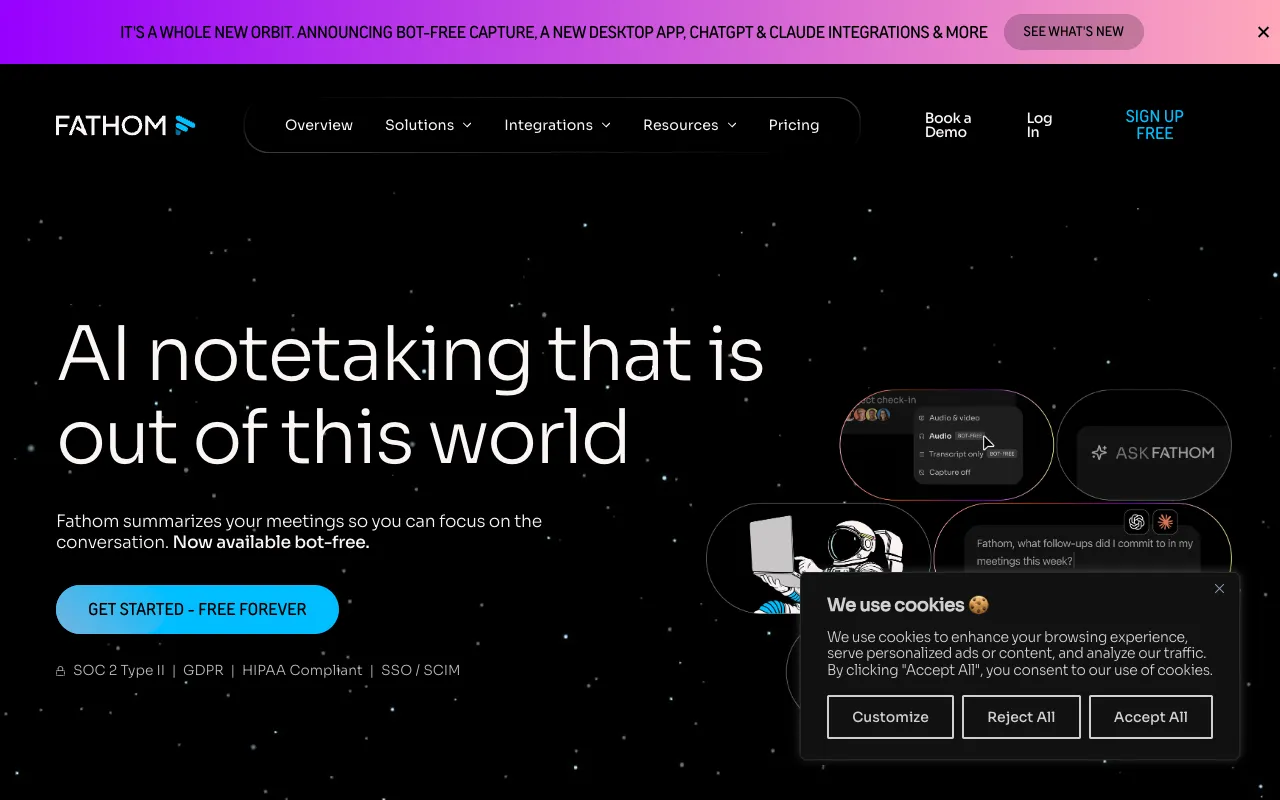
One detail worth knowing before you pick: some tools email full transcripts to external attendees automatically, and  Read.ai's bot joins calendar meetings three to five minutes early, both have generated real complaints. Check the sharing defaults on day one, not after the first awkward email.
2. Pick on the cap that will bite you, not the headline price
Entry prices in this category cluster between $11 and $29/mo, which is close enough that price should not decide it. The free-tier caps are wildly different, and they are what actually determines whether you keep using the thing.
| If your pattern is | Use | Because |
|---|---|---|
| A few calls a week, recorded live | Otter free | 300 minutes/month covers it |
| Recording everything, solo | Fathom free | Unlimited recordings and transcripts |
| Processing existing audio files | Not Otter | Three file imports, lifetime |
| Searching calls months later | Fireflies | Free summaries, one searchable archive |
| Short clips and voice memos |  Notta Notta |
But its free plan caps recordings at three minutes |
The full breakdown, including which "free" plans are lifetime allowances in disguise, is in free AI meeting notes tools.
3. Give the transcript a job, or it becomes landfill
A summary nobody rereads is worse than no summary, it creates the feeling that the meeting was captured while nothing changes. Pick exactly one destination for output and stick to it:
Action items go to the task tracker, same day. Not to the notes app. Not to a Slack thread. If your note taker cannot push to your tracker, copy them by hand, the transfer is the point, not the automation.
Decisions get one line in a durable doc. "We are going with Postgres, 12 Aug, on the architecture call." This is the line you will search for in November, and no AI summary will surface it as reliably as a doc you own.
The transcript itself is a search index, not a document. Nobody reads a 6,000-word transcript. Its value is answering "did we promise them a delivery date?" three months later, which is why archive search is the feature worth paying for and why Fireflies is a better long-term bet than a tool with a 30-day history.
4. Expect the accuracy floor
On a clean two-person call, current transcription is very good. On your eight-person planning call with two people talking over each other and three product code names, it is not: expect labelled-but-garbled output, and expect speaker attribution to guess. This is a category-wide limit, documented across Otter and Fireflies alike, not something a competitor has quietly solved.
Two practical mitigations: ask people to say their name the first time they speak (it materially improves speaker labelling, especially in Fireflies), and never let an AI summary be the only record of a commitment involving money or dates.
5. Re-check the plan every few months
This category changes its free tiers more often than its prices. Otter revised plan limits repeatedly through 2024–2025, the allowance people signed up for was not the one they ended up with. Put a reminder in for the quarter: if the cap that made your tool work has moved, switching is cheap precisely because none of these tools hold your data hostage.
The twenty-minute version
- Decide whether a bot may join client calls. If not, use Granola and accept there is no playback.
- Otherwise start on Fathom's free plan. Most solo users never need to leave it.
- If you are a team that will search old calls, pay for Fireflies at $18/mo instead of collecting free tiers.
- Route action items to your tracker the same day, and write decisions as one line in a doc you own.
- Ask people to say their names. It is the cheapest accuracy improvement available.
Full ranking with prices and drawbacks: best AI meeting notes tools.
Questions people ask
- Do I need to tell people they are being recorded?
- In most jurisdictions yes, and separately it is the norm people expect. Most tools make it visible by joining as a participant. If recording is not acceptable at all, Granola listens locally and retains no audio.
- Is a paid plan worth it for one person?
- Often not. Fathom's free plan gives unlimited recordings and transcripts, which covers a solo consultant's whole workflow. The usual reason to pay is search across an archive of calls, which is a team-scale problem.
- What should I do with the transcripts long term?
- Treat them as a search index rather than documents. Extract action items into your tracker the same day and record decisions as a single line in a durable doc, the transcript's value is answering specific questions months later.
Tools mentioned
Free unlimited meeting recording, transcription and AI summaries for Zoom, Meet and Teams
- DESKTOP
- WEB
- PLUGIN
- API
Meeting recorder and transcript search across Zoom, Teams and Meet with deep integrations
- WEB
- MOBILE
- EXTENSION
- PLUGIN
- API
AI meeting transcription with speaker ID, live captions and automated summaries
- WEB
- MOBILE
- PLUGIN
- API
Notepad-style AI meeting notes that merge your typed notes with the transcript, no bot join
- DESKTOP
- WEB

Meeting agendas, AI notes and action-item tracking built around recurring 1:1s and team syncs
- WEB
- DESKTOP
- MOBILE
- PLUGIN
- API
No tools match these filters